
Integrations and open API
MonStr fits into the systems your company already runs — with no double data entry and no manual copying between spreadsheets.
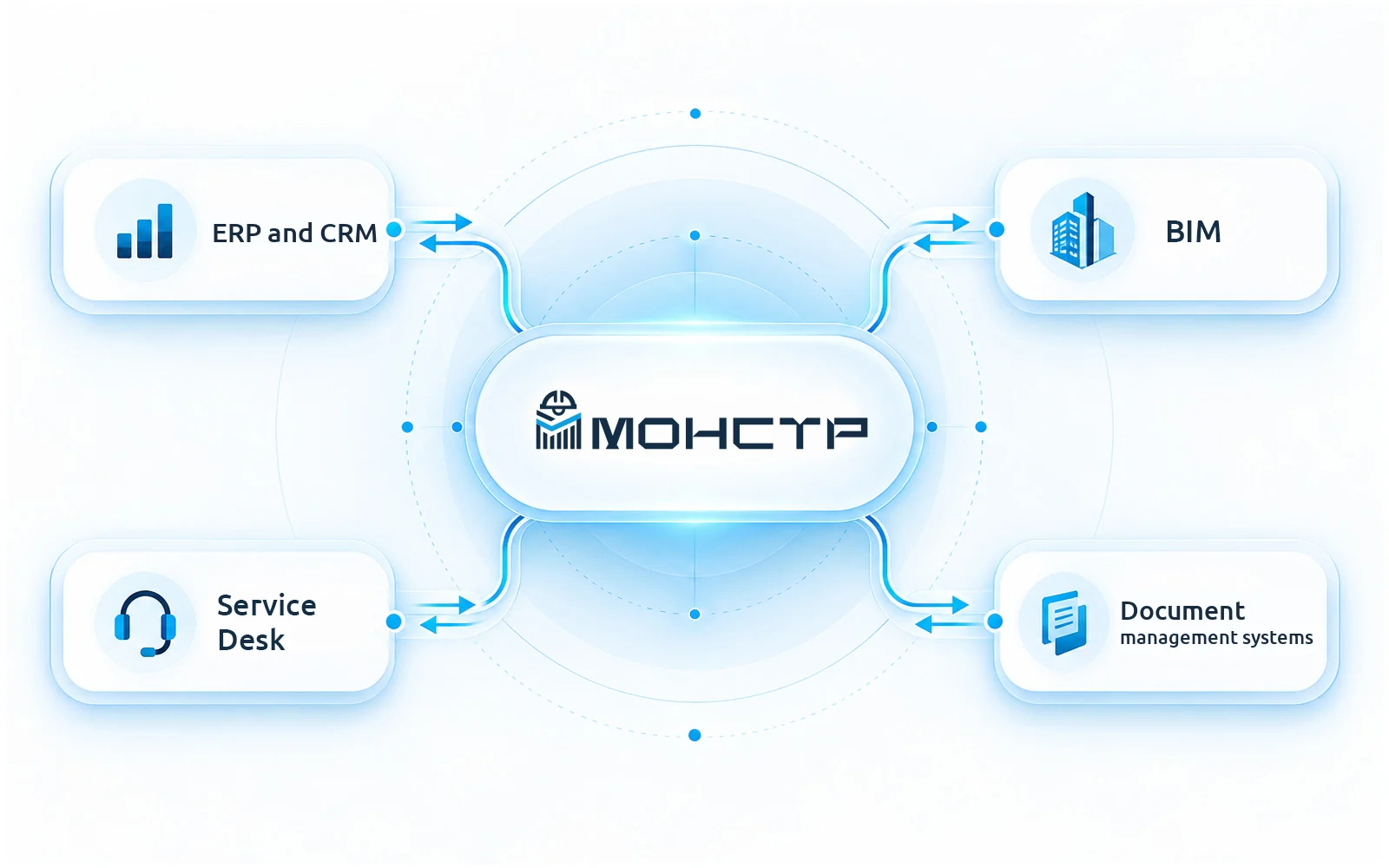
What it gives you
Quality data stops living apart from accounting and design documentation.
Open API
Connection to your internal systems with no restrictions on what data moves.
Accounting systems
Snags, reports and volumes pass into corporate accounting without re-keying.
BIM and drawings
Import of source drawings and synchronisation of new versions.
Service Desk
Tickets for closing out snags are created in your support system.
CRM
Site visits and works are recorded in your CRM.
Reference books
Import and export of reference data — standards, organisations, types of work.
How it works
The integration is set up once and then runs in the background.
- 1
Define the data flow
What moves and in which direction: snags, volumes, drawing versions.
- 2
Configure the exchange
Through the open API or a ready connector, with reference data mapped.
- 3
Work as usual
Data spreads across the systems on its own and double entry disappears.
What people connect today
The list is not closed — the API allows connecting what is not here yet.
- Corporate accounting systems
- ERP and CRM
- Open API for other systems
- Electronic document management systems
- Service Desk
- Import of reference books from files
Let’s discuss which systems MonStr needs to connect to