

Start
Most popular plan
- A quick start
- Up to 10 projects
- Up to 5 legal entities
- The full construction control feature set
A construction control ecosystem. One standard for projects of any size.
MonStr is a cloud platform for construction control and handover: checklists, photo evidence of defects, snags pinned to the drawing and automatic reports — in one app for web, iOS and Android.
Host it in the cloud or on your own servers in the UAE. Get started in 5 minutes.
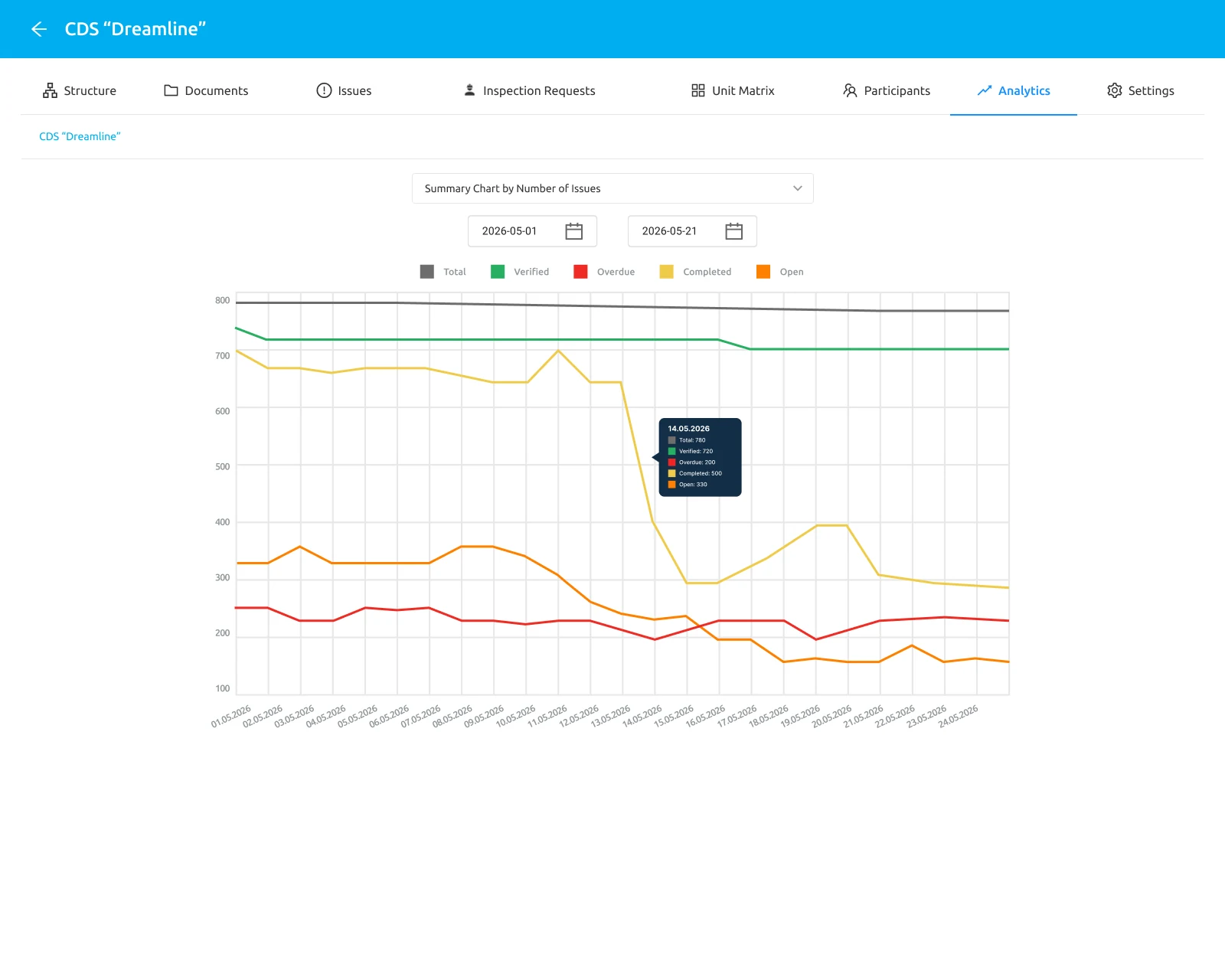
Construction control often runs on messenger threads, paper reports and scattered spreadsheets. Snags get lost, deadlines slip and disputes with contractors pile up. Here is what most teams run into:

Chaos on site
Disputes and litigation with contractors
No clear idea where the defect actually is
Amateur photo evidence of defects
Nobody accountable for fixing the snags
Piles of unprocessed reports and notices
Set up a site in a minute
Add the name, address, type of works and the people responsible. Everything syncs with your team and the cloud in real time.
Record progress as it happens
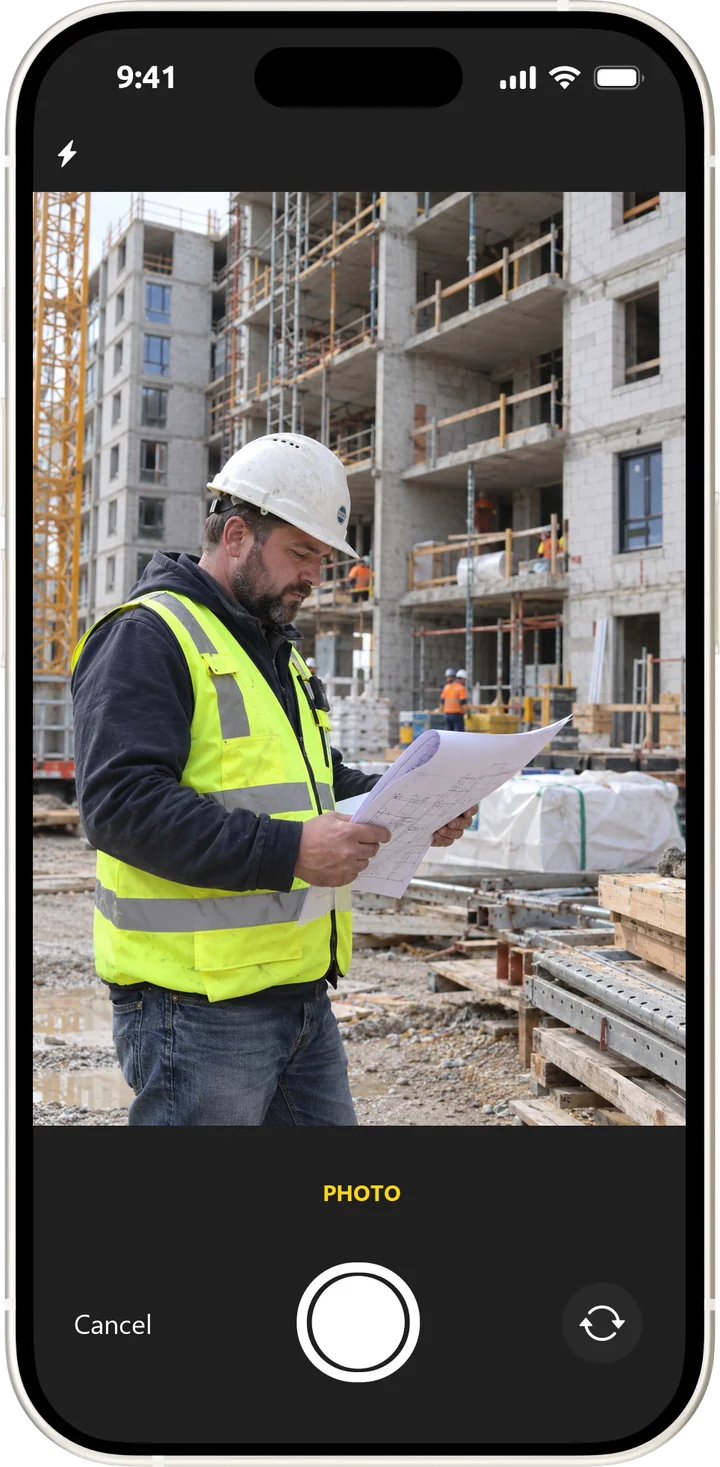
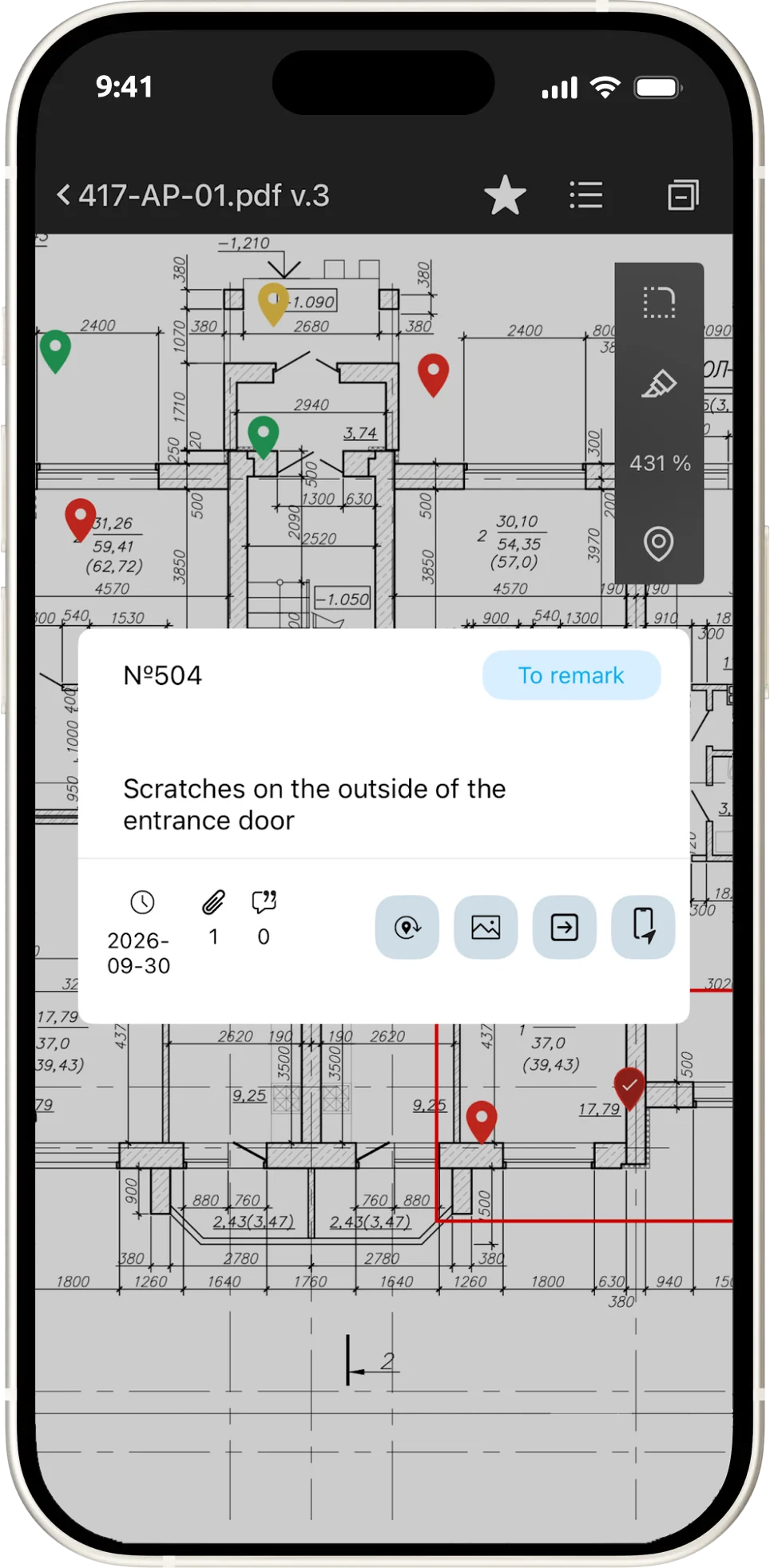
Attach photos, leave comments and assign tasks straight from your phone. Every issue is pinned on the drawing and tied to a date.
Keep stages under control
Split the site into stages (foundation, structure, finishing). Track completion status as a percentage and see schedule slippage immediately.
Work with your team
Assign tasks to site managers, contractors and supervisors. Get notified about fixes and comments.
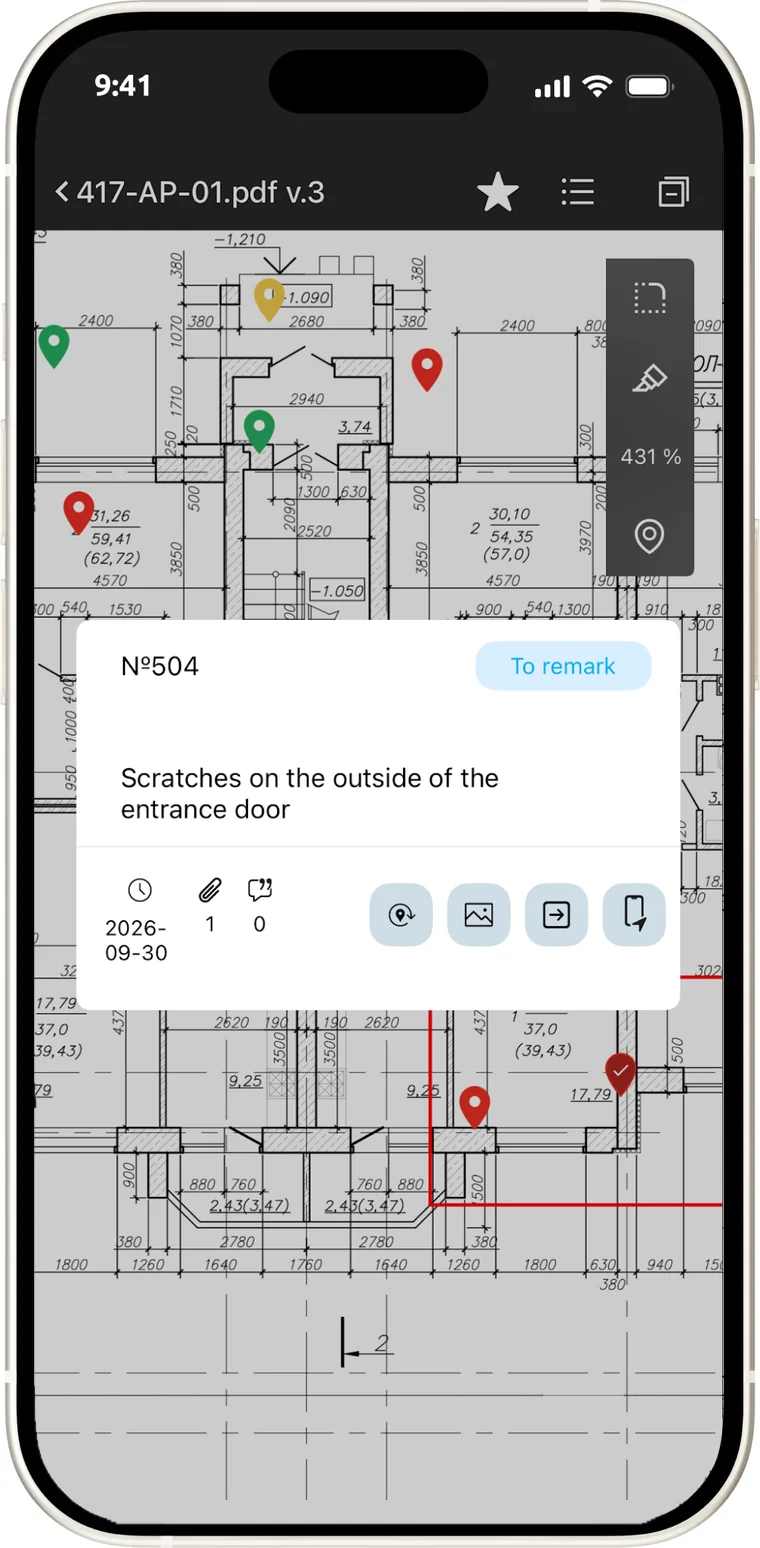
A problem on site does not exist in a vacuum — it sits at a specific point on the drawing. That is why MonStr is built around an interactive site plan rather than a task list.
Upload a plan, drawing or BIM underlay
Drop a pin exactly where the issue is
Add:
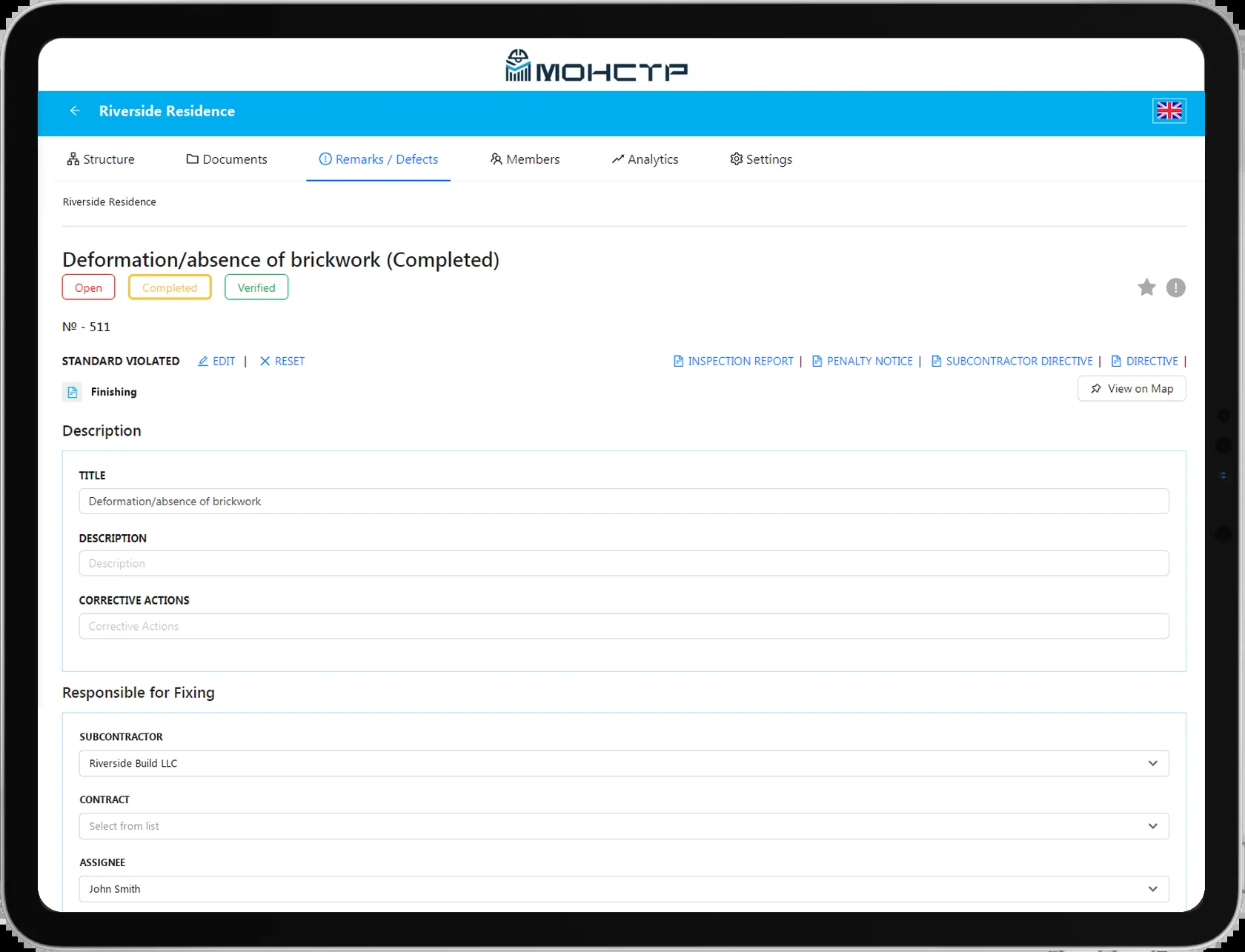
A description of the defect or task
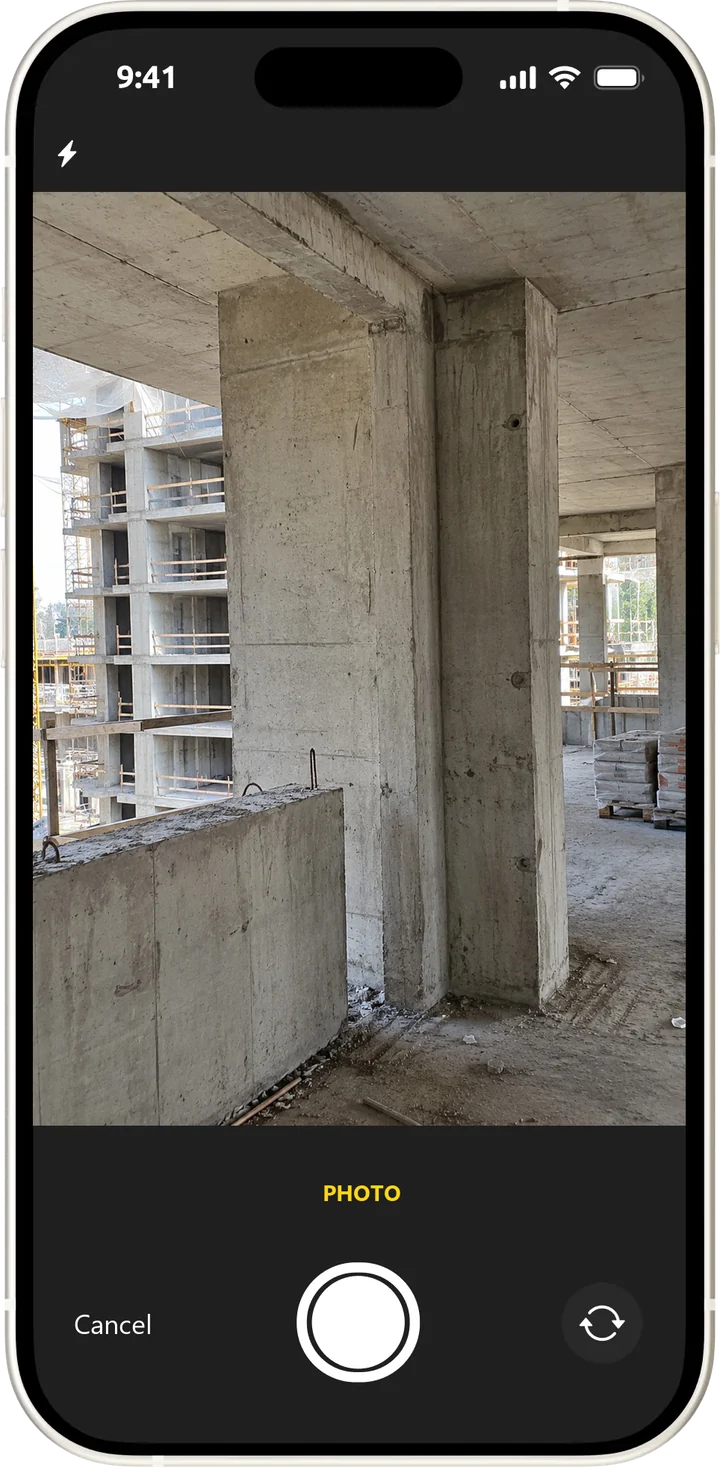
Photo and video evidence
A deadline for the fix
The person responsible
Completion status
A reference to the applicable local codes and standards
The result
Every snag becomes specific, transparent and trackable.
Six things that stop being a problem the moment you move to MonStr.
Snags pinned on the drawing
nothing gets lost
Before/after photo evidence
visual proof
Smart deadline tracking
reminders and overdue alerts
Reports in one click
for clients and inspections
Transparent progress
who is doing what, live
Full site history
timeline, people, reports and drawings in one window
Whether you supervise a single private house or a portfolio of fifty industrial facilities, MonStr works the same way. The capabilities adapt to your role and project type, not the other way round.
Same functionality. Any scale.
The cloud edition suits small teams and anyone who wants to try MonStr without lengthy negotiations or an implementation project — signing up and working on your first site takes about 5 minutes.

Self-service sign-up
1–2 licences for small teams
A ready-made demo environment
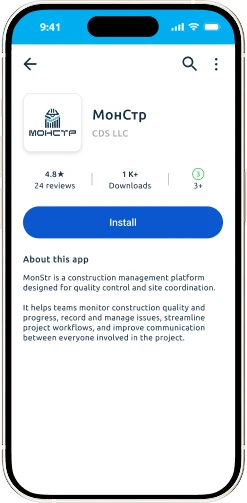
Works in the browser and the mobile app
Full functionality for 14 days
Getting started no longer takes negotiations, contracts and months of waiting.
For teams running dozens of sites and hundreds of users.
On-premises or private cloud hosted in the UAE
Integrations through an open API
Rollout and ongoing support
Customisation to your company processes
User activity logs
Two-factor authentication (2FA)
That is what lets MonStr scale together with your business.
WhatsApp is not a construction control system.
Messengers
— no structure
In MonStr: a snag is tied to a point on the drawing, an owner and a deadline.
Paper logbooks
— no transparency
In MonStr: the client sees the site status online, without asking or calling.
Excel
— never up to date
In MonStr: the status changes the moment work happens, not when a table is assembled.
Management sees the real picture, not a tick-box report.
Live status across all sites
Overdue items and problem areas
Full change history
Ready-made reports for inspections and clients
Granular access control
User activity logs
Data residency that meets your requirements
On-premises for sensitive and government projects
Two-factor authentication (2FA)
Brute-force protection for credentials
From signing up to your first pin on the drawing — four steps and about five minutes.
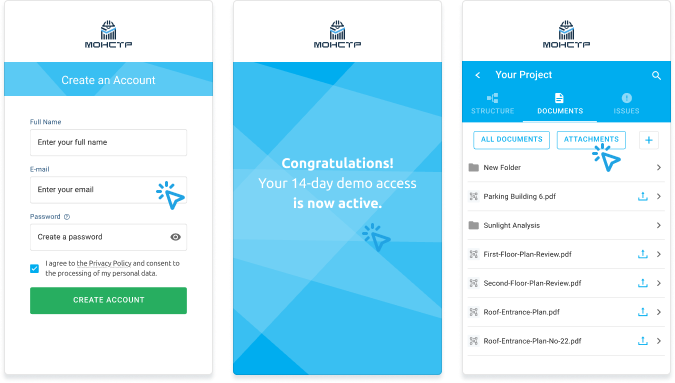
Create an account
Upload your plans
Invite your team
Start running control
Every snag in MonStr is pinned to a point on the drawing and has an owner, a deadline, photos and a status. Nothing gets lost in chats, the history is kept, and the client report comes out of the system instead of being put together by hand.
In the browser, on iOS and on Android. Projects, legal entities and roles are the same everywhere, and the mobile app works offline — data syncs once you are back online.
Yes. The 14-day demo opens all features, with limits on the number of projects and users. No contract is needed — just sign up.
PDF, DWG and images, including scans of paper drawings and BIM underlays. The drawing becomes the plan you drop snag pins on.
Yes. Besides the cloud there is an on-premises option for companies with data storage requirements and for sensitive projects.
Add people by email and give them roles: creator with full access, responsible for handling snags, or observer with view-only access. Everyone sees only what their role needs.
We will run a demo and help you pick the right configuration.
Start free trial (14 days)