
Every MonStr capability in a single app
Works in the browser, on iOS and Android — in the cloud or on your own server. One product covers the whole construction control cycle, from setting up a site to the report for your client.
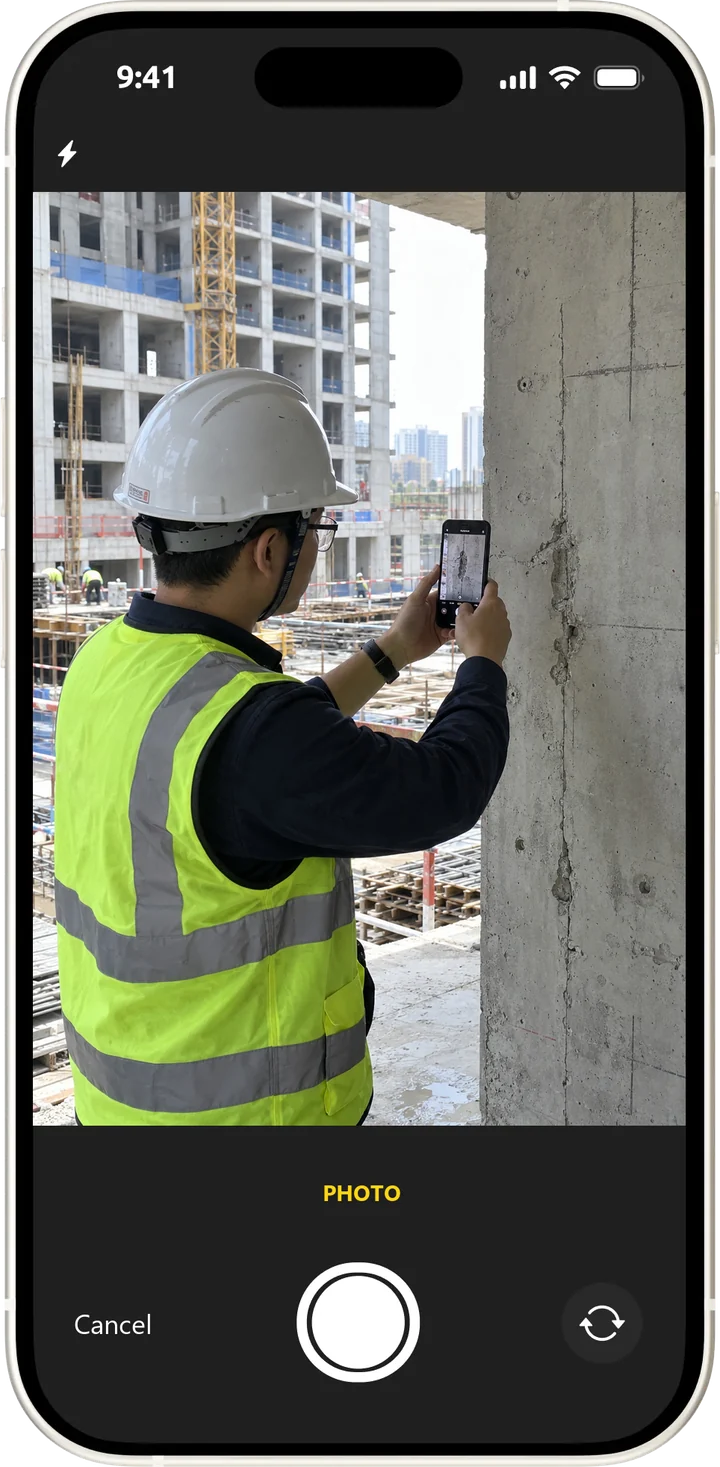
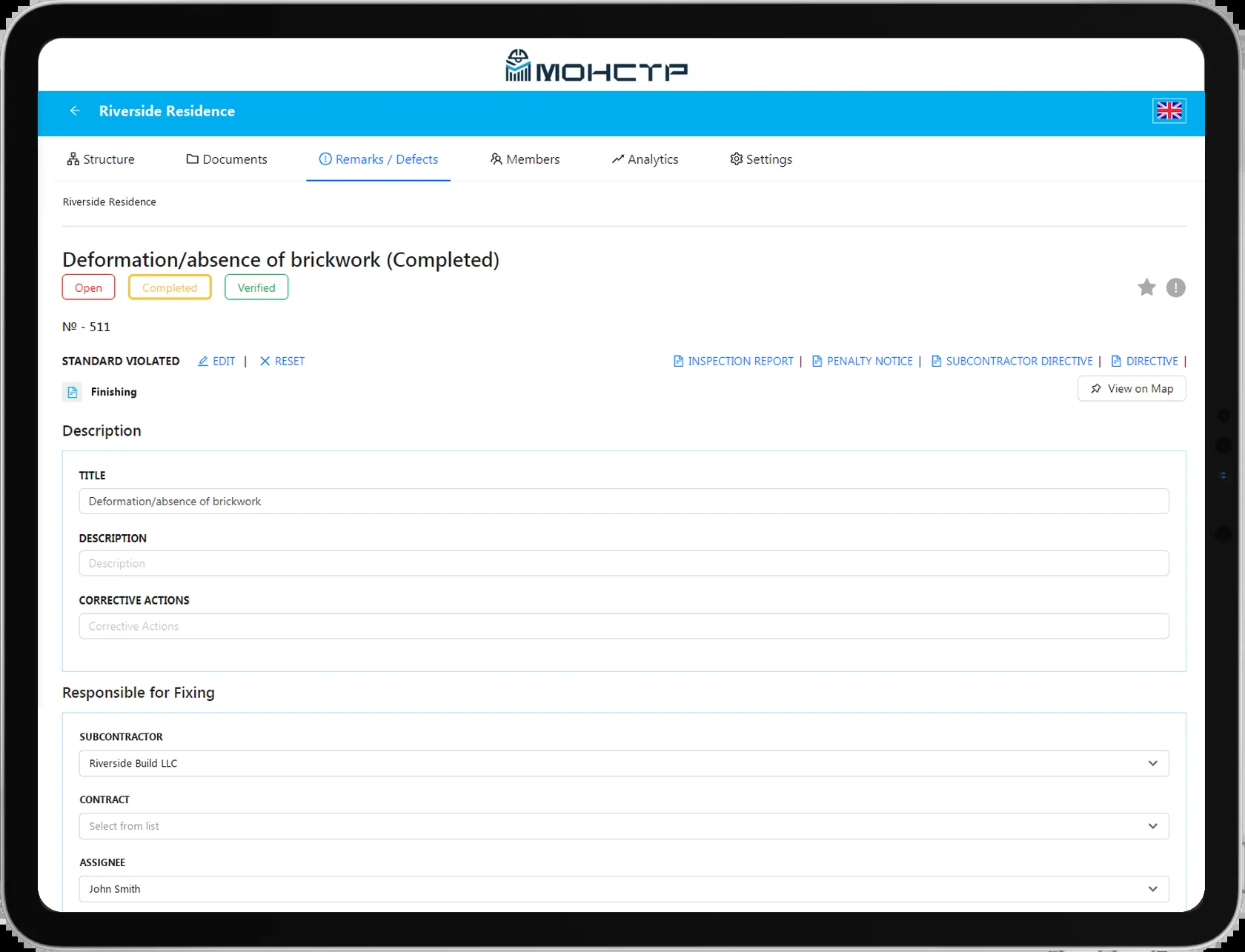
MonStr is built around a single idea: construction control is not a chat thread and not paperwork, but a structured process tied to a specific place on site. Each capability below solves its own part of that process, yet they all run on the same data — the site plan, the snags, the photos, the deadlines — so nothing is duplicated and nothing drifts apart between files and chats.

How the product works
A problem on site does not exist in a vacuum — it sits at a specific point on the drawing. That is why MonStr is built around an interactive site plan rather than a task list.
Upload a plan, drawing or BIM underlay
A scan of a paper drawing, a PDF or a file from your BIM system — the plan becomes the canvas that all work on the site is built on.
Drop a pin exactly where the issue is
A pin is not an abstract task somewhere on site — it is a specific location every project participant can see on the plan.
Add a description, photo, deadline, owner and status
Everything you need to know about that point sits in one place, so nobody has to dig through chats for context — including the reference to the applicable regulations.
The capability grid
Six areas that together cover the full control cycle. Each one leads to its own page with the details.
- Inspections and checklistsRun inspections against predefined checklists and record the result straight onto the site plan.Learn more
- Snag managementEvery snag is tied to a point on the drawing, an owner and a deadline — nothing gets lost in a chat thread.Learn more
- Before/after photo evidenceClear visual proof that the fix actually happened — nobody has to take anyone at their word.Learn more
- Reports and analyticsA ready report for the client or the inspection board is generated automatically, with no manual spreadsheet assembly.Learn more
- Mobile app and offline modeWorks even where there is no signal — which on site happens often. Everything syncs automatically once you are back online.Learn more
- IntegrationsAn open API for connecting to the systems your company already runs.Learn more
Security
MonStr is chosen by teams that care about order on site — and that applies to their data just as much as to their processes.

Granular access control
Each participant sees only what their role requires, not the entire site.
User activity logs
A full history of who changed what matters both for internal control and for settling disputes.
Data residency in the UAE
Personal and project data can be kept inside the country where your contract requires it.
On-premises for sensitive and government projects
Deployment on your own servers when the data cannot leave your perimeter.
Enterprise-grade security
Relevant for companies with their own information security requirements for contractors and software vendors.
Deployment: cloud or your own server
Two ways to run MonStr — the choice depends on your scale and your data requirements.
Cloud
A fast start with no rollout project
For small teams: signing up and working on your first site takes about 5 minutes. No negotiations, no contracts, no months of waiting.
Enterprise / On-premise
For dozens of sites
For companies with dozens of sites and hundreds of users: deployment on your own servers in the UAE, a flexible role model and customisation to your internal processes.
Frequently asked questions
Who is MonStr for?
Site supervision and quality control teams, general contractors, developers, facility managers, designers and universities — anyone who records and fixes snags on site.
How does work on a snag go?
The engineer drops a pin on the drawing, fills in the description, assigns a person and a deadline and attaches photos. The contractor fixes it and adds an “after” photo; the engineer checks and closes the snag.
Is there a library of building standards?
Yes. The snag title and description can be picked from the standards library, and the reference is filled in automatically. The library can be loaded from Excel.
Can MonStr be integrated with our systems?
Yes, through the open API: accounting systems, ERP and CRM, document management, Service Desk. Reference libraries can be imported and exported.
Cloud or our own server?
Both: the cloud for a quick start, on-premises for sensitive data and storage requirements.
How is the data protected?
Role-based access down to project and work type, a user activity log, two-factor authentication and protection against password guessing.
We will run a demo and help you pick the right configuration