
Construction photo documentation, before and after
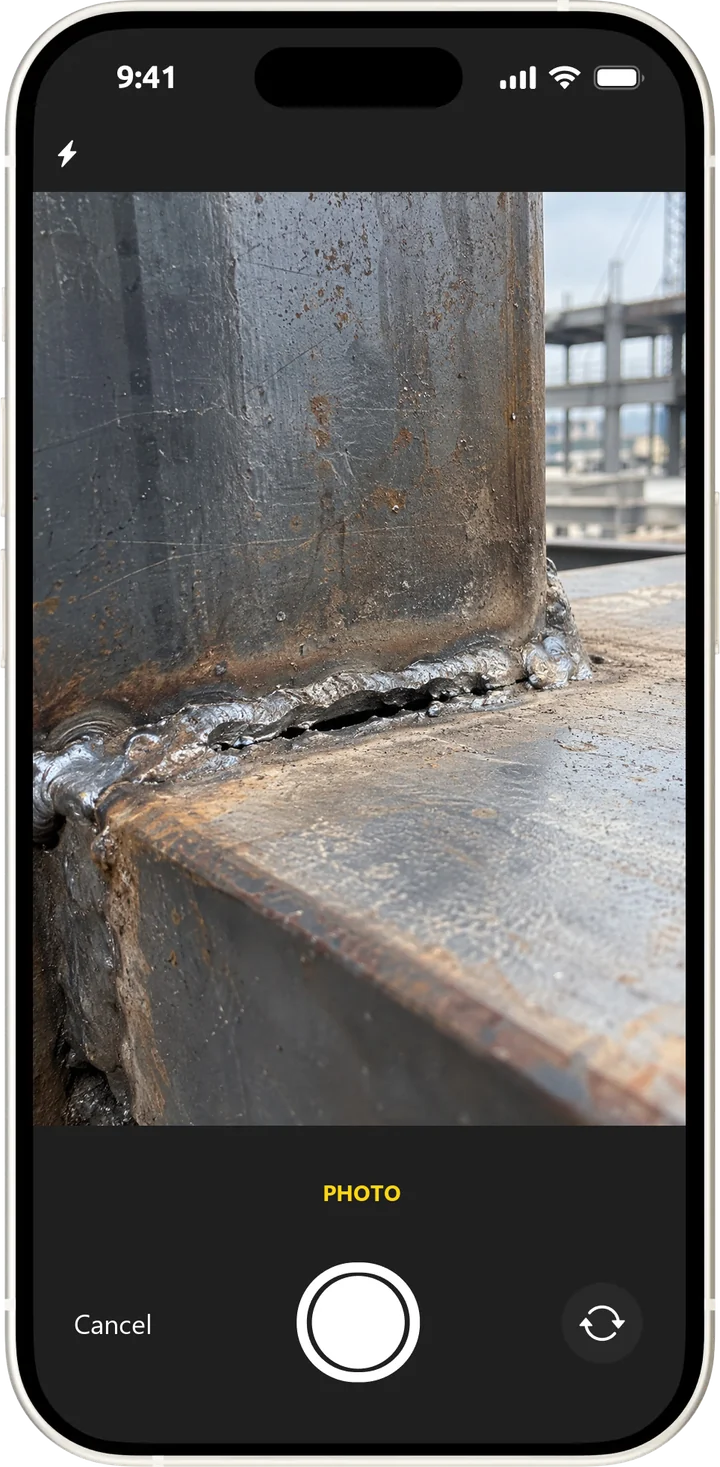
Visual proof instead of assurances. The shot is taken in the app, tied to a point on the plan and kept in the site history for good.
What it gives you
The argument about whether it was fixed is settled by two photographs.
Shot from the app
The photo is taken inside the snag record and does not get lost in a camera roll.
A comment per shot
Label the frame — general view, close-up — so the context reads without explanation.
A before and after pair
The state before the works and after the fix is stored together, in one record.
Tied to the location
Every shot is linked to a point on the drawing, not just to a date.
Video evidence
Where a photo is not enough, a video is attached to the snag.
Preview from the drawing
Photos of a breach can be previewed straight from the site plan.
How it works
Recording evidence takes as long as taking a photo on a phone.
- 1
Photograph the breach
From the snag record, tied to a point on the plan.
- 2
The contractor fixes it
And attaches the “after” shot as proof of the work.
- 3
Accept from the photos
The inspector compares the two states and closes the snag without a second visit.
Details
The small things that usually make photo evidence stop working.
- Upload from a phone gallery or a computer
- Shots are stored with the snag, not in a separate folder
- The change history stays immutable
- 360° panoramas pinned to points on the drawing
- Comparison of the site state before and after works
- The photo report goes into the final document automatically
We will show what photo evidence looks like in real use