
Inspection reports and quality dashboards
A ready report for the client or the inspection board is generated automatically. Assembling spreadsheets in the evening is no longer part of the job.
What it gives you
Reporting stops being a separate job at the end of the week.
Printable forms
Instructions and snag reports export to Word and Excel using configured templates.
Site dashboards
Open and closed snags, overdue items and contractor ratings on a single screen.
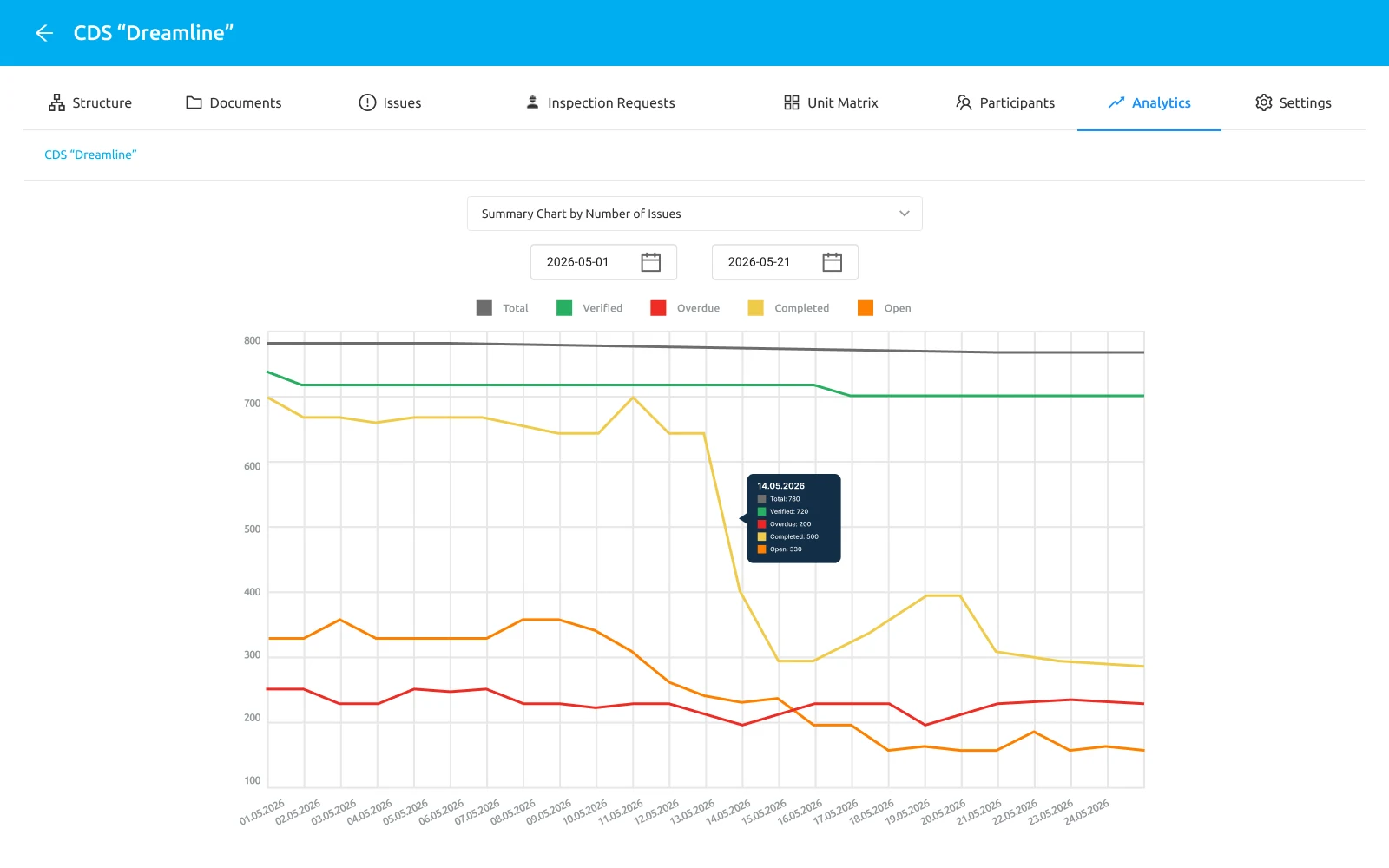
Dynamics over a period
A weekly analytical report per site and per subcontractor.
Export by filter
Any filtered list of snags turns into a printable report.
Unit status grid
Room statuses are shown as a readable grid rather than a list.
Company templates
Several instruction forms configured to a particular organisation’s requirements.
How it works
From accumulated data to a document, with no intermediate spreadsheets.
- 1
The data accumulates itself
Every snag, photo and status enters the system as the work happens.
- 2
Set up the selection
Filter by site, contractor, dates or status.
- 3
Export the document
A finished PDF, Word or Excel file — for the client, an audit or an internal review.
What you can export
The set of forms covers both day-to-day work and client reporting.
- An instruction for the contractor
- A snag report for a period
- A handover report from an inspection
- A report on subcontractor works
- The user action history
- Export into external document management systems
We will show the reports on data close to yours