
Handover readiness for every unit
A status grid for every unit, standard checklists per building type, guest access for buyers and a photo archive of concealed works — verified closure before the buyer walks in.
What it gives you
Handover stops being a stack of paper certificates and a long email thread with buyers.
Digital checklists and certificates
Standard inspection plans for each building and unit type. Certificates are generated in the system and available online.
Photos and video on every item
Photos and video attach to each checklist item; geotags and timestamps settle where and when a defect appeared.
The buyer takes part
Owners join through guest access and see their snags and statuses in real time.
Tracking the fixes
Every defect has an owner and a status: Found, In progress, Fixed, Accepted.
Summary reports
Defect counts and types by contractor — to judge quality and plan the fixes.
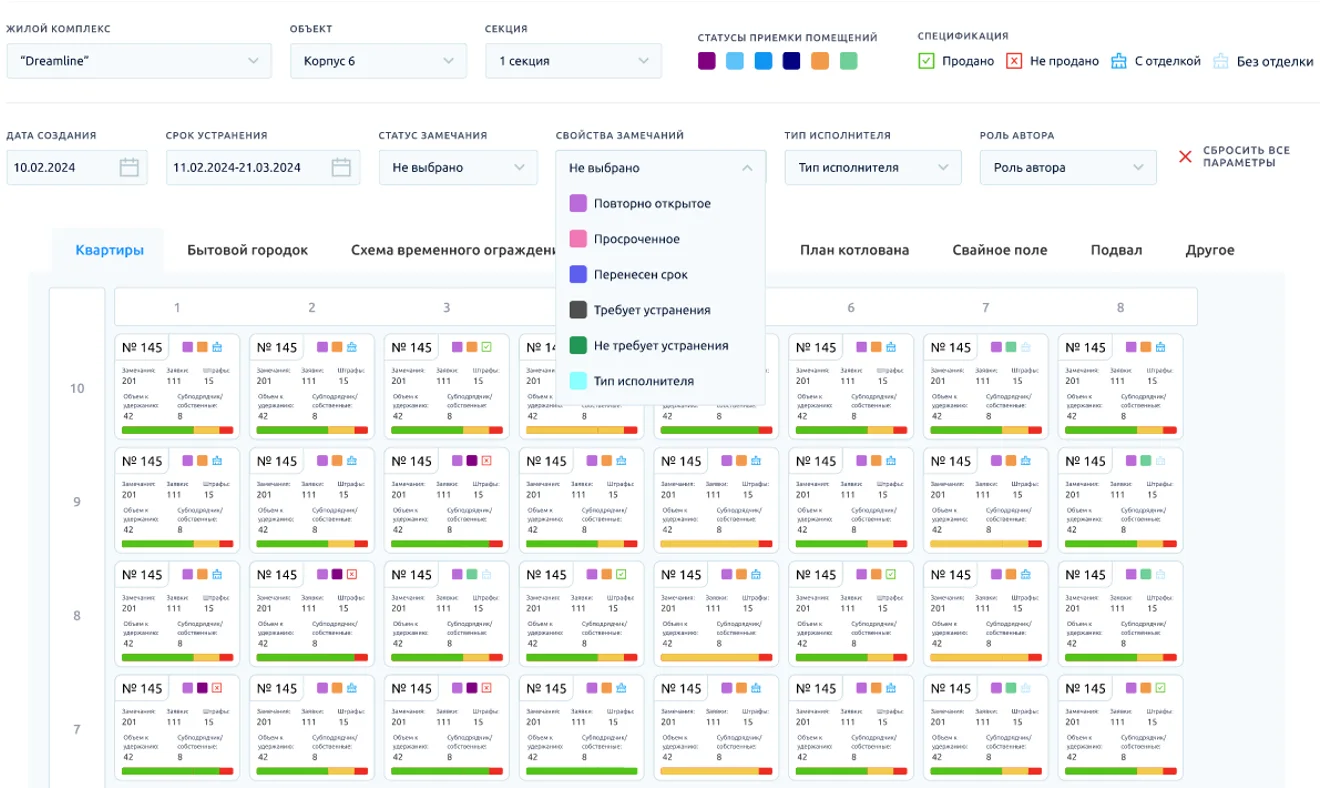
Building status grid
Unit statuses on a grid by section and floor — clear what is ready to hand over and what is not.
Concealed-works sign-off
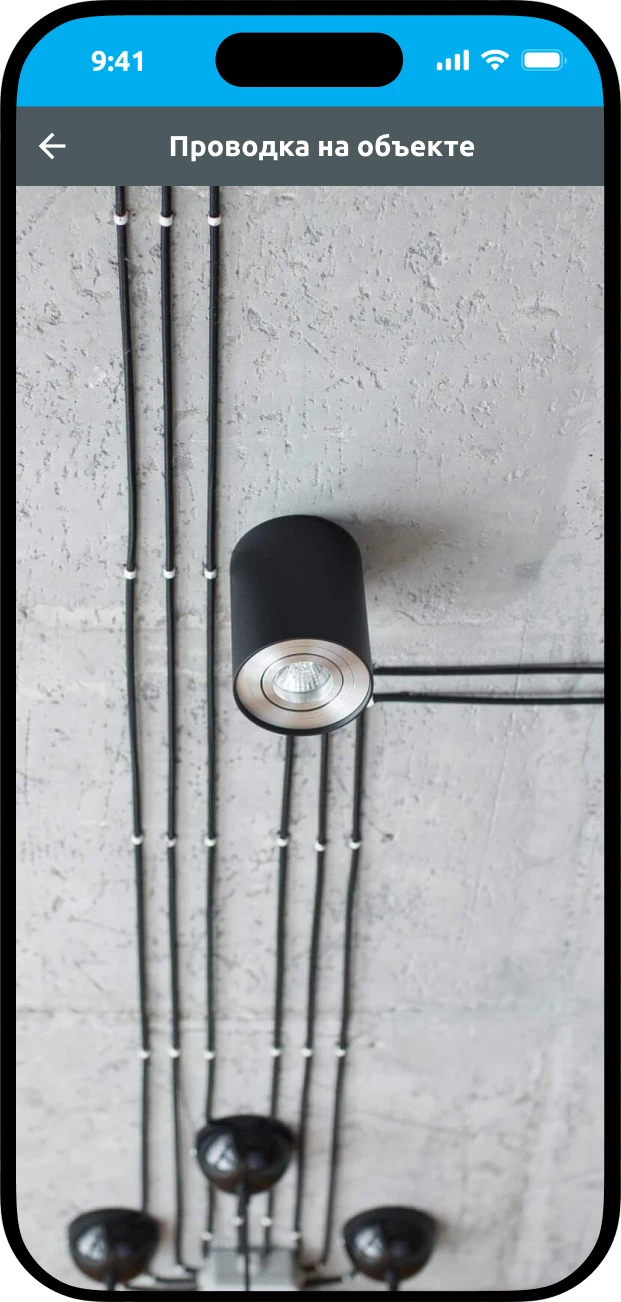
Before work is covered by the next layer, it is recorded on photo and video tied to the site map and the date.
- 1Photo and video recordsEvery shot is tied to a spot on the plan and a date. The whole concealed-works archive is on your phone.
- 2A standard for each tradeAn approved checklist for each type of work: compliance with the design, installation quality, materials.
Checklist
- Matches the design
- Installation quality
- Materials used
- 3Booked in the calendarThe inspection is booked in the MonStr calendar and lands in everyone’s email calendar.
How handover works
From inspecting the unit to a signed certificate.
- 1
Inspection by checklist
The engineer follows the standard plan and pins defects on the unit plan with photos.
- 2
Fixes
The contractor gets snags with a deadline, fixes them and sends photos — the status becomes Fixed.
- 3
Re-inspection and certificate
Fixes are checked with the buyer, the status becomes Accepted and the certificate is generated.
What changes
- 40%
- faster unit handover*
- 1 day
- to sign off concealed works instead of 3–5*
- 5%
- defect rate instead of 20%*
* Observations on our own projects, without a control group.
What else is inside
Details that matter to a developer at handover.

- Certificates signed electronically in the system
- Grid filters: overdue, reopened, rescheduled
- Retention amounts and penalties for each unit
- Site facilities, excavation and other zones on separate tabs
- Works on a phone, a tablet and a computer
- The history of every unit is kept for good
Frequently asked questions
How do I run a pre-handover inspection?
The inspector follows a standard checklist and pins defects on the unit plan with photos. The contractor gets the snags with deadlines and sends photos of the fixes; the fixes are checked with the buyer, and the handover certificate is generated in the system.
How do you record concealed works?
Before the work is covered by the next layer, it is photographed and filmed with its place on the plan and the date, and checked against the checklist for that trade. The archive stays in the system in case a defect shows up later.
Can the buyer join the handover?
Yes. The owner is invited with guest access and sees their own snags and their statuses in real time — no calls or email chains.
What does the building status grid show?
The status of every unit as a grid by building section and floor: what is ready for handover, what is being fixed, what is overdue or reopened. Filters help you find problem units quickly.
Are handover certificates signed online?
Yes, certificates with electronic signatures are created right in the system. The history of every unit is kept for good — useful during the warranty period.
We will show handover readiness on a grid of your own building